01 · Collect
Upload PDFs and photos
Add digital statements, PDF invoices, and JPEG or PNG photos of paper receipts, up to 50 MB each.
Tax document workflow
Collect statements, receipts, invoices, and official letters in one shared folder. Folderling extracts their text, helps you review the details, and keeps the originals ready to search or export.

A repeatable four-step routine
01 · Collect
Add digital statements, PDF invoices, and JPEG or PNG photos of paper receipts, up to 50 MB each.
02 · Review
Check suggested titles, dates, and tags such as “tax 2026,” “income,” or “expenses.” You decide what is saved.
03 · Find
Look for a payer, amount, reference number, or phrase in reviewed documents instead of remembering a filename.
04 · Hand off
Invite a trusted editor to the whole folder, or export reviewed originals with a manifest of titles, dates, and tags.
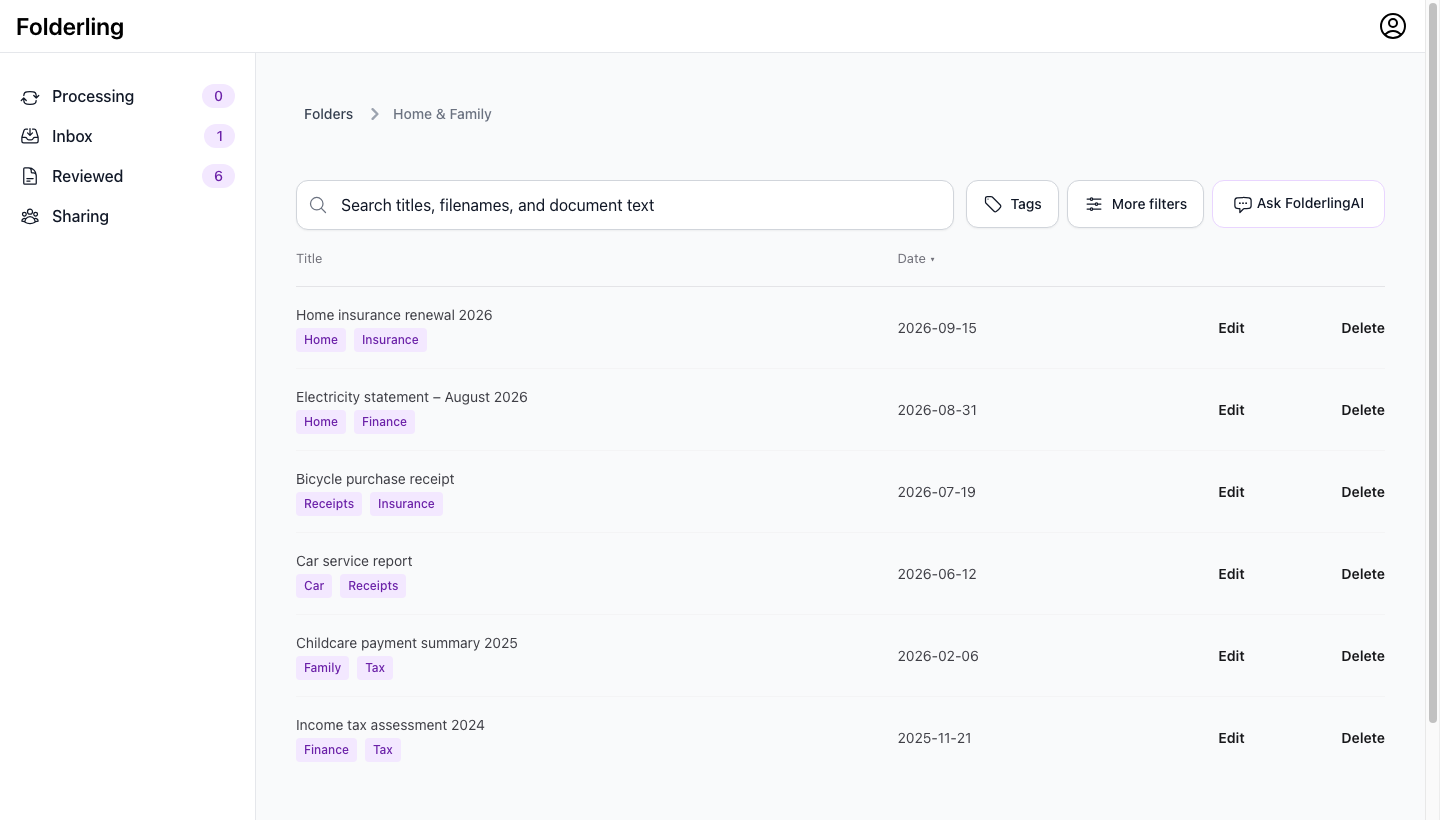
Useful questions, grounded in your archive
Ask a question such as “Which documents mention charitable donations?” Folderling searches related passages and links the response back to the documents it used.
OCR and AI results can be incomplete or wrong. Open the source document and verify amounts, dates, eligibility, and filing decisions yourself or with a qualified adviser.
What Folderling helps with
What it does not replace
Folder members can access the whole folder; Folderling does not offer anonymous public links or per-document sharing. Exports contain reviewed originals and metadata, and are rate-limited. Read the current privacy, deletion, AI-processing, and portability details before adding sensitive records.
Read trust and portability detailsSimple pricing
Organize 50 documents free with no credit card required. Continue for $7.99 monthly or $59.99 annually, shown in USD.
Create your tax folder